

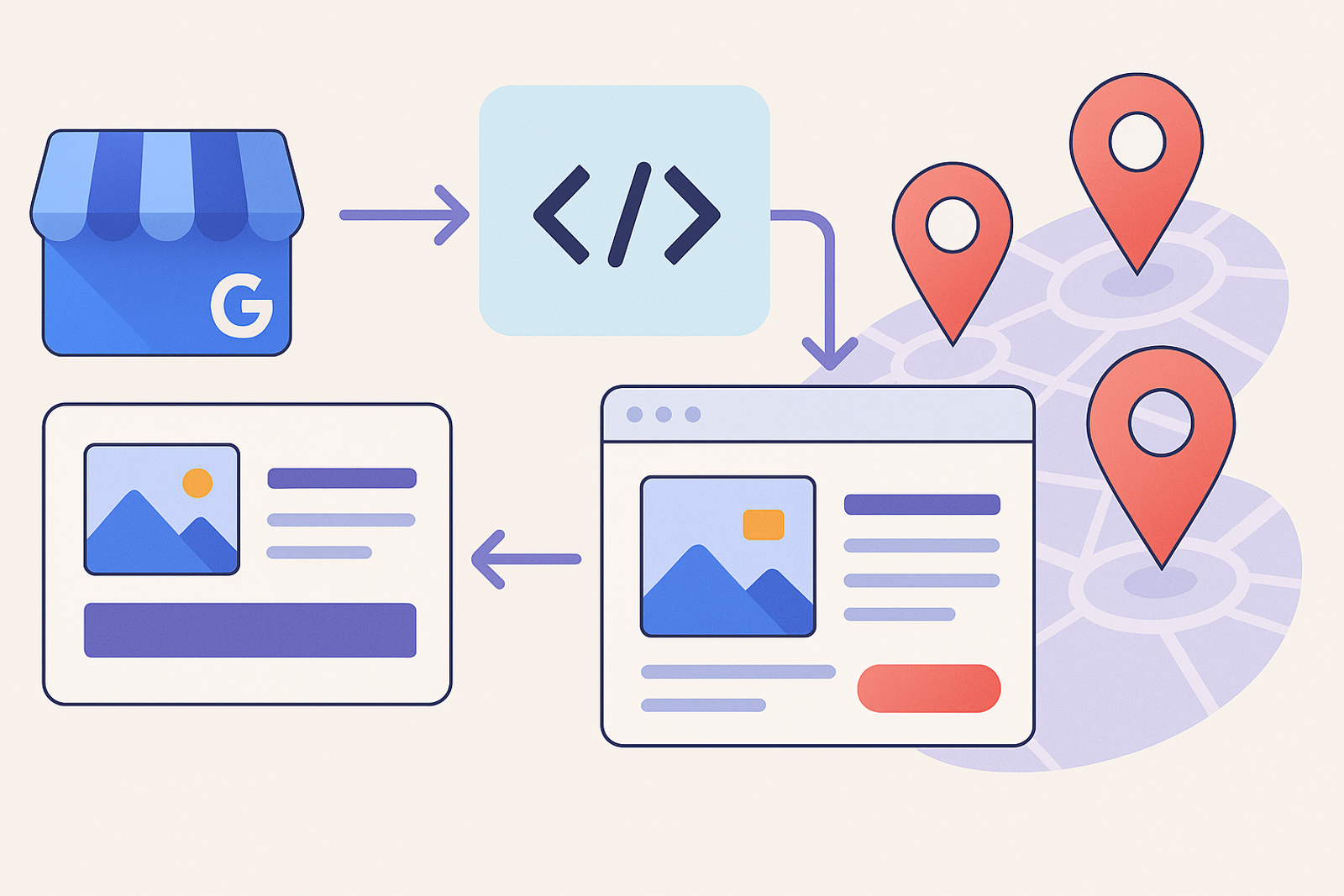
Manually posting Google Posts across dozens of locations every time there is a promotion or corporate announcement is one of the most repetitive tasks in managing Google Business Profile. The API allows for complete automation of this process.
What types of posts can be created via API?
The API allows for the creation of standard posts (updates), offer posts (with start and end dates), and event posts (with specific date and time), each with an image, text, and an optional call-to-action button.
Typical Automation Workflow
1. Define the post template
Text, image, and call-to-action, with variable fields to customize by location if necessary (for example, mentioning the city).
2. Select the target locations
Not all promotions apply to all branches; segmenting by region or type of store prevents posting irrelevant content.
3. Schedule and publish via API
The post is sent to all selected locations in a single batch operation, respecting API quotas if the volume is high.
Frequently Asked Questions
How long does a Google Post remain visible?
Standard posts remain visible for 7 days; event or offer posts remain until the specified end date.
Can post performance be measured automatically?
Yes, the API exposes basic interaction metrics that can be integrated into an aggregated report by campaign, branch, or region.
Benefits of Automation
Automation not only saves time but also ensures that messages are consistent and aligned with the company's marketing strategy. Additionally, it allows marketing teams to focus on more strategic tasks.
Best Practices for Posting Google Posts
1. Keep content relevant and up-to-date.
Ensure that posts reflect the latest offers and events. This not only attracts customers but also improves visibility in searches.
2. Use high-quality images.
Attractive images can increase click-through rates and engagement. Make sure they are relevant to the content of the post.
3. Include a clear call to action.
A good call to action can guide users toward the desired action, whether it's visiting your website, making a purchase, or signing up for an event.
4. Segment your audience.
Leverage the API's ability to customize messages based on location or customer type, which can increase the relevance of the content.
Conclusion
Automating the posting of Google Posts via API transforms a manual and repetitive task into a matter of minutes, without sacrificing the ability to customize the message by branch or region. With best practices and a strategic approach, you can maximize the impact of your posts and enhance engagement with your customers.
Additional Considerations for Automation
When automating your Google Posts, consider the following:
- **Monitor Performance:** Regularly check the performance metrics of your posts to understand what works best and adjust your strategy accordingly.
- **Test Different Formats:** Experiment with different types of posts (updates, offers, events) to see which resonates more with your audience.
- **Stay Compliant:** Ensure that your automated posts comply with Google’s policies to avoid any penalties or removal of content.
- **Engage with Your Audience:** Even with automation, make sure to engage with your audience by responding to comments and messages promptly.
By keeping these considerations in mind, you can effectively leverage automation to enhance your Google Business Profile presence and drive more engagement with your target audience.