

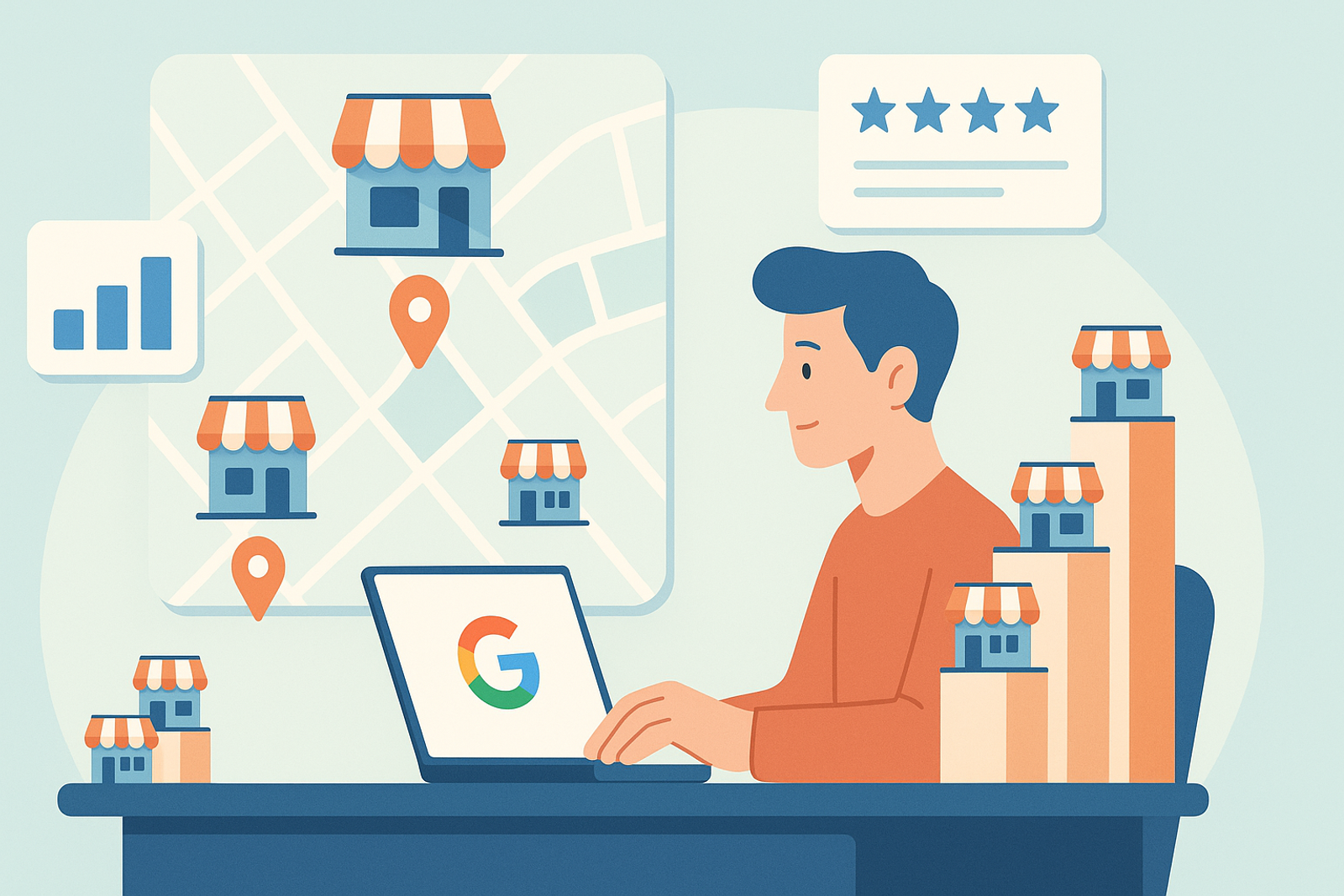
When a business expands from 5 to 50 locations, managing Google Business Profile (GBP) transitions from a local marketing task to an operational challenge. Editing each listing manually, checking hours one by one, or responding to reviews location by location is no longer scalable: it consumes hours of work and increases the risk of NAP (Name, Address, Phone) consistency errors that Google directly penalizes in local rankings.
Why Manual Management Breaks Down After 10-15 Locations
The native Google Business Profile dashboard was designed for businesses with one or a few locations. Once you reach 10-15 locations, three typical symptoms emerge: NAP inconsistencies that appear weeks after a change in hours or address, response times to reviews that skyrocket because no one has centralized visibility, and a lack of control over who edits which listing, opening the door to errors by local managers without oversight.
The 5 Pillars for Scaling GBP Management
1. Real Bulk Editing
You need the ability to change an attribute, a special hour, or a category across hundreds of listings at once, not one by one. This is what separates a scalable operation from one that is not.
2. Automated NAP Consistency Auditing
A system that periodically compares what is published on Google Maps against your source of truth (your CRM, ERP, or branch database) and alerts you when it detects a discrepancy, before it affects your local ranking.
3. Granular Role-Based Permissions
A branch manager may need to respond to local reviews, but should not be able to change the business category or delete corporate photos. Scalable management requires separating permissions by level: corporate, regional, and local.
4. Centralized Review Management
With 50+ locations, reviews can reach hundreds per week. You need real-time alerts, response templates, and in many cases, AI-assisted responses with human review for sensitive cases.
5. Reports by Location, Region, and Chain
Without aggregated data, you cannot make informed decisions. You need to see which locations are performing best in views, calls, and directions requests, and which ones need attention.
How to Transition from Manual Management to Scalable Management Without Disrupting Operations
The migration should not be done all at once. The recommended approach is: first, connect all locations via the Google Business Profile API (no scraping or manual access), then run a complete NAP audit to identify and correct existing inconsistencies, define the role-based permission structure, and finally activate alerts and automated reports. This process, done with a tool like Mapgrid, takes days instead of months.
Frequently Asked Questions
At what point does it make sense to use a centralized management tool?
Most chains start to notice issues with manual management between 10 and 15 locations. Once you reach 20-30 locations, centralized management stops being an improvement and becomes practically mandatory.
Is it safe to give access to Google Business Profile to an external platform?
Yes, as long as the platform uses the official Google Business Profile API with OAuth 2.0, as Mapgrid does, instead of shared credentials or scraping. This allows you to revoke access at any time from your Google account.
What happens with locations that already have NAP inconsistencies?
An initial audit automatically detects them by comparing each listing against your source of truth, and you can correct them in bulk rather than one by one.
Conclusion
Scaling Google Business Profile management beyond 50 locations is not just about saving time: it is a condition for maintaining local rankings and customer trust at every point of sale. Tools like Mapgrid, built on the official Google API, allow for a transition from manual management to centralized control without sacrificing the operational autonomy of each location.
Best Practices for Google Business Profile Management
1. Keep Information Updated: Ensure that all contact details, hours, and services are always current. This not only improves the customer experience but also helps Google display your business more effectively.
2. Respond to Reviews: Encouraging interaction with customers through responses to reviews, both positive and negative, can enhance your brand perception and increase customer loyalty.
3. Use High-Quality Images: Attractive images can capture users' attention and improve the click-through rate on your profile. Make sure to include photos of your products, services, and the interior of your locations.
4. Post Updates Regularly: Keep your customers informed about promotions, events, and news through posts on your profile. This not only enhances engagement but can also positively influence your ranking.
5. Monitor Performance: Use Google’s analytics tools to track the performance of each location. This will allow you to identify areas for improvement and adjust your local marketing strategies.
Checklist for Google Business Profile Management
✔️ Verify that contact information is up to date.
✔️ Review and respond to customer reviews.
✔️ Regularly update branch photos.
✔️ Post news and promotions.
✔️ Monitor performance and adjust strategies.
Use Cases for GBP Management Tools
1. Restaurant Chains: They can manage menus, hours, and promotions centrally, ensuring that all locations are aligned with the brand.
2. Retail: Stores can quickly and efficiently update product information and hours, enhancing the customer experience.
3. Professional Services: Service companies like clinics or agencies can manage appointments and hours of operation, ensuring that information is accurate and up to date.