

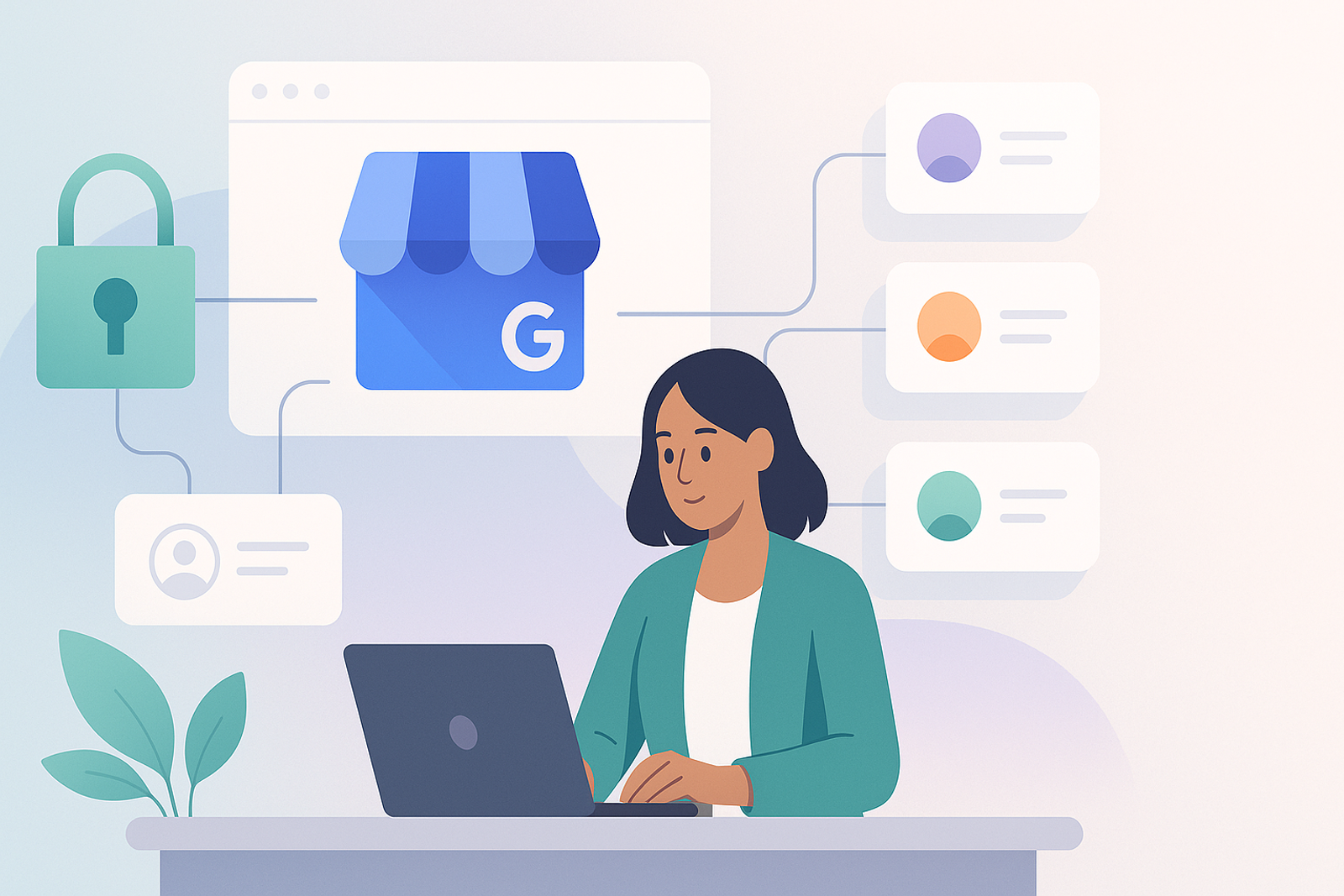
An agency managing Google Business Profiles for 20 different clients faces a challenge that a single business does not: each client must authorize access separately via OAuth, and the agency needs a system that manages multiple tokens without mixing them up.
The Right Model: One Project, Multiple Authorized Accounts
The agency maintains a single project in Google Cloud Console with its OAuth credentials, but each client completes their own consent flow, generating an independent refresh token that the agency securely stores and isolates by client.
How to Structure Token Storage
Each refresh token must be associated with a unique client identifier, encrypted at rest, and automatically renewed before the access token expires, without manual intervention from the agency team.
What Happens When a Client Revokes Access
The system should detect the authorization error on the next API call, mark that account as disconnected, and alert the team instead of failing silently or retrying indefinitely.
Frequently Asked Questions
Do I need a separate Google Cloud project for each client?
No. A single project can receive OAuth authorizations from multiple distinct Google Business Profile accounts; what varies by client is the generated token, not the project.
Do API quotas get shared among all the agency's clients?
Yes, if all operate under the same Cloud Console project. It's important to size the total quota considering the combined volume of all managed clients.
Conclusion
For agencies, the Google Business Profile API allows managing dozens of client accounts from a single system, as long as token and quota management is designed correctly from the start.
### Best Practices for OAuth Management in Agencies
1. **Clear Documentation**: Maintain detailed documentation for each client and their respective tokens. This will facilitate management and troubleshooting.
2. **Automation**: Implement automated processes for token renewal and error detection. This reduces manual workload and minimizes errors.
3. **Security**: Ensure that all tokens are stored securely. Use encryption and restricted access to protect sensitive information.
4. **Constant Monitoring**: Set up alerts for any API connection failures. This will allow you to act quickly in case of issues.
5. **Team Training**: Ensure that all team members understand how the OAuth system works and the importance of token management.
### Use Cases for the Google Business Profile API
- **Review Management**: Agencies can use the API to respond to customer reviews on behalf of their clients, thereby improving engagement and online reputation.
- **Information Updates**: Allows agencies to update contact information, hours, and services in real-time, ensuring that information is always accurate.
- **Performance Analysis**: Agencies can access metrics on the performance of Google Business Profile accounts, enabling them to adjust marketing strategies.
### Checklist for Implementing Google Business Profile API
- [ ] Create a project in Google Cloud Console.
- [ ] Configure OAuth credentials.
- [ ] Establish a consent flow for each client.
- [ ] Implement secure storage for tokens.
- [ ] Set up alerts for authorization errors.
- [ ] Document the process for the team.
### Additional Frequently Asked Questions
Can I use the API for multiple locations of the same client?
Yes, the Google Business Profile API allows managing multiple locations under a single client account, making it easier to manage businesses with several branches.
What should I do if a client changes their password?
If a client changes their password, the access token is likely to become invalid. You will need to ask the client to reauthorize access to generate a new token.