

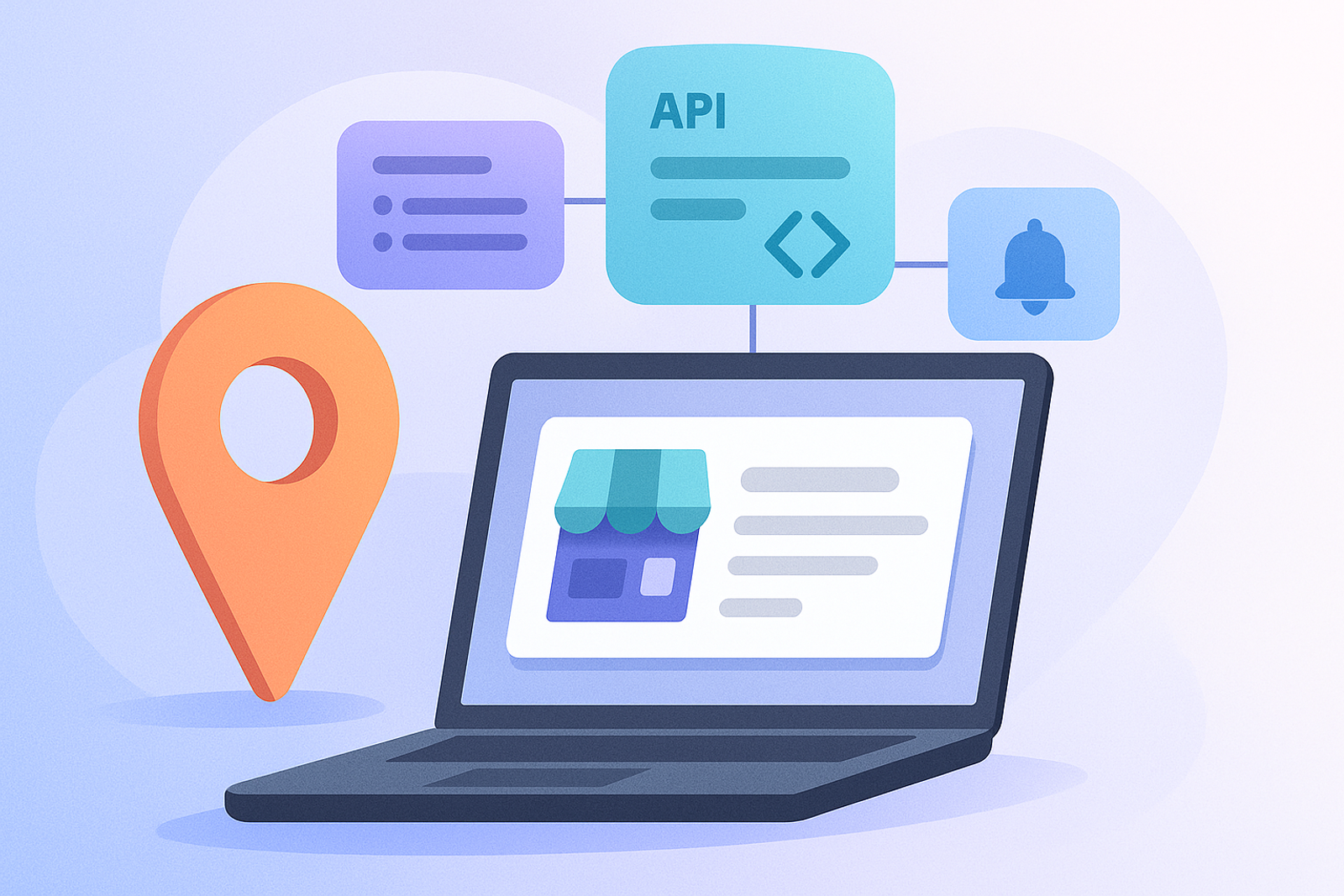
The Google Business Profile API is divided into several specialized APIs, each with a distinct purpose. Understanding this division from the start saves time exploring the official documentation.
Account Management API
Manages accounts and the relationship between users and locations: who has access to which listings and at what permission level.
Business Information API
The core of most integrations: reading and writing the name, address, phone number, hours, categories, attributes, and photos of each location.
Notifications API
Allows you to receive push notifications (via Google Cloud Pub/Sub) when relevant changes occur, such as a new review, instead of having to poll periodically.
My Business Q&A and Verifications API
More specific APIs for managing public questions and answers about the listing, and the verification process for new locations, respectively.
Frequently Asked Questions
Which API should I start with if I am building my first integration?
The Business Information API covers most basic use cases (reading and editing location data) and is the most natural starting point for most integrations.
Are reviews managed through the Business Information API?
Reviews are managed through a specific set of endpoints within the Business Profile API ecosystem, separate from the basic information of the listing.
Best Practices for Using the Google Business Profile API
1. Familiarize yourself with the documentation: Before you start implementing, it is crucial to read Google's official documentation to understand the limitations and capabilities of each endpoint.
2. Use testing tools: Tools like Postman can facilitate testing the endpoints before integrating them into your application.
3. Handle errors properly: Implement robust error handling to respond to API failures, such as quota limits or authentication errors.
4. Optimize API calls: Group API calls whenever possible to reduce latency and improve performance.
5. Stay updated: The API may change, so make sure to follow Google's updates to not miss new features or important changes.
Common Use Cases for the Google Business Profile API
1. Updating business information: Allows businesses to update their information in real-time, ensuring customers always have access to accurate data.
2. Managing reviews: Facilitates responding to reviews and managing a business's online reputation.
3. Data analysis: Enables businesses to analyze customer interactions with their profile, helping to make informed decisions about marketing and operations.
Conclusion
Understanding the division of the Google Business Profile API into specialized sub-APIs allows for a clearer integration design from the outset, rather than trying to solve everything from a single generic endpoint that does not exist.
In addition to the core functionalities, developers should also consider the following aspects when working with the Google Business Profile API.
4. User Experience: Ensure that the integration provides a seamless user experience. This includes fast loading times and intuitive navigation.
5. Security: Always prioritize security when handling user data. Implement OAuth 2.0 for authentication and ensure that sensitive information is encrypted.
6. Feedback Loop: Create a feedback loop with users to continuously improve the integration based on their experiences and suggestions.
7. Documentation: Maintain clear documentation for your integration to help other developers understand how to use it effectively.
8. Testing and Quality Assurance: Regularly test your integration to catch any bugs or issues before they affect users.
By following these best practices and understanding the various APIs available, developers can create robust integrations that enhance the functionality of the Google Business Profile API and provide significant value to businesses.