

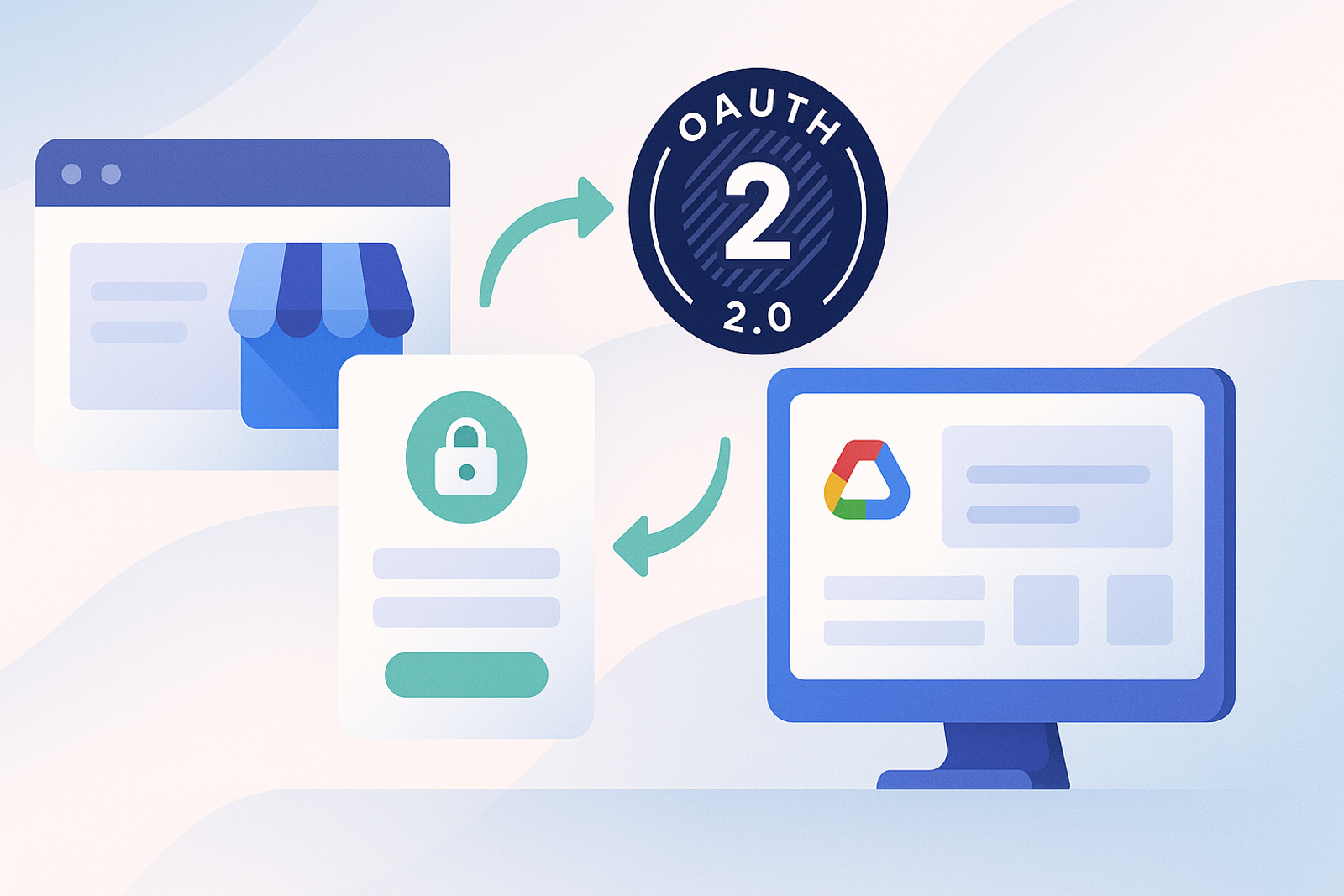
Every integration with the Google Business Profile API starts at the same point: OAuth 2.0. There is no alternative authentication method using static keys or simple API keys; Google requires a complete OAuth flow, with explicit consent from the owner of the Google Business Profile account.
The three components you need before getting started
1. A project in Google Cloud Console
You need to create your own project, enable the Business Profile API (formerly My Business API), and configure the OAuth consent screen with the correct scopes.
2. OAuth 2.0 credentials (Client ID and Client Secret)
These credentials identify your application to Google, not a specific user. They are generated from the credentials section of Cloud Console.
3. Registered redirect URIs
Every URL to which Google will redirect after consent must be explicitly registered. A mismatch here is the most common cause of errors in production (redirect_uri_mismatch).
The complete step-by-step flow
The user clicks on "Connect Google Business Profile," is redirected to Google's consent screen, authorizes the requested scopes, Google redirects back with a temporary authorization code, your backend exchanges that code for an access token and a refresh token, and from there you use the access token to call the API, renewing it with the refresh token when it expires.
Frequently Asked Questions
How long does an access token for the Google Business Profile API last?
Google access tokens typically last for 1 hour. The refresh token, which does not expire unless explicitly revoked, is what allows you to maintain a long-term connection.
Can I use a single service account for all locations?
Not directly: each Google Business Profile account must authorize your application via OAuth. For multiple clients, you need to manage a token for each authorized account.
Conclusion
OAuth 2.0 is not just a technical requirement of the Google Business Profile API: it is also the security guarantee that allows each business owner to revoke access at any time. Understanding the complete flow before integrating helps avoid most common errors in production.
### Best Practices for Implementing OAuth 2.0
1. **Keep your credentials secure**: Do not share your Client Secret in public source code. Use environment variables or secret management services.
2. **Implement proper error handling**: Ensure you handle common errors such as "invalid_grant" or "redirect_uri_mismatch" to improve user experience.
3. **Review the requested scopes**: Only ask for the permissions necessary for your application. This not only enhances security but also increases user acceptance rates.
4. **Monitor token usage**: Implement a system to track the usage of access tokens and refresh tokens, which will help you identify potential security issues.
### Common Use Cases for the Google Business Profile API
- **Managing multiple locations**: Businesses with several branches can use the API to update contact information, hours, and respond to reviews centrally.
- **Performance analysis**: Access metrics on how customers interact with their profile, allowing for informed decisions about marketing strategies.
- **Automating posts**: Businesses can schedule posts and updates on their Google Business profile, saving time and improving visibility.
### Checklist for Integrating Google Business Profile API
- [ ] Create a project in Google Cloud Console.
- [ ] Enable the Google Business Profile API.
- [ ] Configure the OAuth consent screen.
- [ ] Generate Client ID and Client Secret.
- [ ] Register redirect URIs.
- [ ] Implement the authorization flow in your application.
- [ ] Test the integration in a development environment.
- [ ] Deploy the solution in production.