

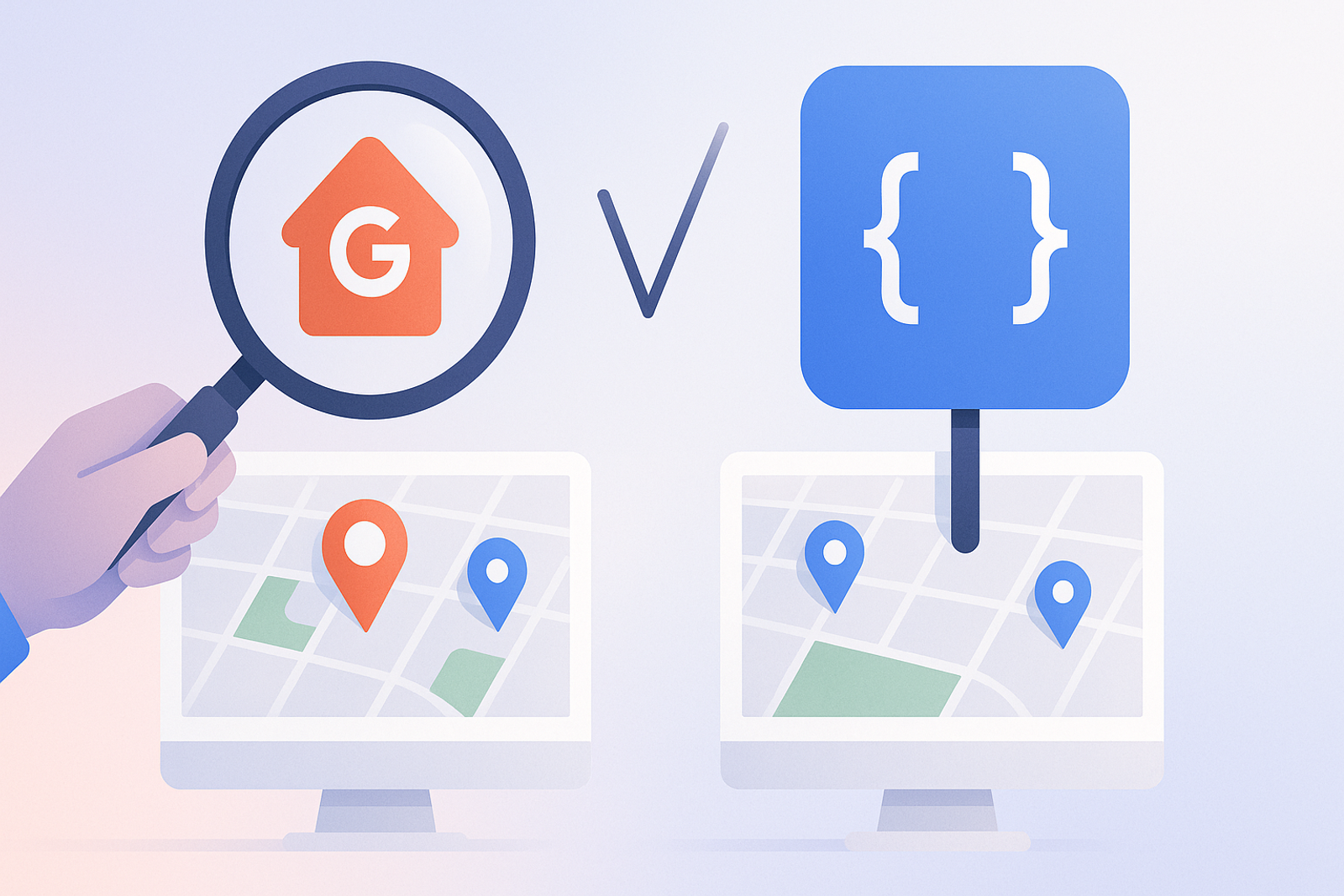
Scraping Google Maps may seem, at first glance, like a quicker way to obtain location data without going through the OAuth approval process. In practice, it is a technically and legally unsustainable decision in the medium term.
Why Scraping Violates Google’s Terms of Service
Google Maps’ terms of service explicitly prohibit automated data extraction without authorization. In addition to legal risks, Google actively blocks traffic patterns it identifies as scraping, which causes the solution to degrade over time.
Scraping Only Allows Read Access, Not Write Access
Even if scraping worked flawlessly, it only allows reading public information. You cannot edit hours, respond to reviews, or post updates without the official API and OAuth authorization from the listing owner.
The Official API: Slower to Set Up, Sustainable Over Time
Setting up OAuth takes more initial time than scraping, but the official API does not break with every design change in Google Maps, does not violate terms of service, and allows write operations that scraping simply cannot offer.
Frequently Asked Questions
Is it safe to use scraping-based tools to monitor reviews?
It is a risk, both legally and operationally: Google can block access at any time without prior notice, rendering the monitoring tool useless just when it is needed most.
Why do some market tools still use scraping?
Generally because it is quicker to implement initially, but it represents technical debt and risk that eventually gets passed on to the end customer when scraping stops working.
Conclusion
The official Google Business Profile API requires more initial setup than scraping, but it is the only sustainable, safe, and comprehensive (read and write) way to manage Google listings at scale.
### Benefits of Using the Google Business Profile API
1. **Full Access to Data**: Unlike scraping, the API provides full access to data, including contact information, hours, and reviews.
2. **Real-Time Updates**: You can update your business information in real-time, which is crucial for maintaining data accuracy.
3. **Security and Compliance**: By using the API, you comply with Google’s policies, reducing the risk of penalties or blocks.
### Use Cases for the API
1. **Managing Multiple Locations**: Ideal for businesses with multiple branches that need to update information across several Google listings.
2. **Review Analysis**: Allows you to collect and analyze customer reviews to improve customer satisfaction.
3. **Local SEO Optimization**: Updating accurate and relevant information helps improve rankings in local searches.
### Checklist for Implementing the Google Business Profile API
1. **Create a Project in Google Cloud**: Ensure you have a project set up in Google Cloud Console.
2. **Enable the API**: Activate the Google Business Profile API in your project.
3. **Set Up OAuth 2.0**: Establish the authentication flow to access the API.
4. **Conduct Testing**: Ensure to test all functionalities before deploying them in production.
5. **Monitor Usage**: Use monitoring tools to ensure the API is functioning correctly.
### Frequently Asked Questions About the API
How long does it take to set up the API?
The initial setup can take several hours, depending on the complexity of your project and your experience with Google Cloud.
Can I use the API to manage multiple locations?
Yes, the API is designed to efficiently manage multiple locations.