

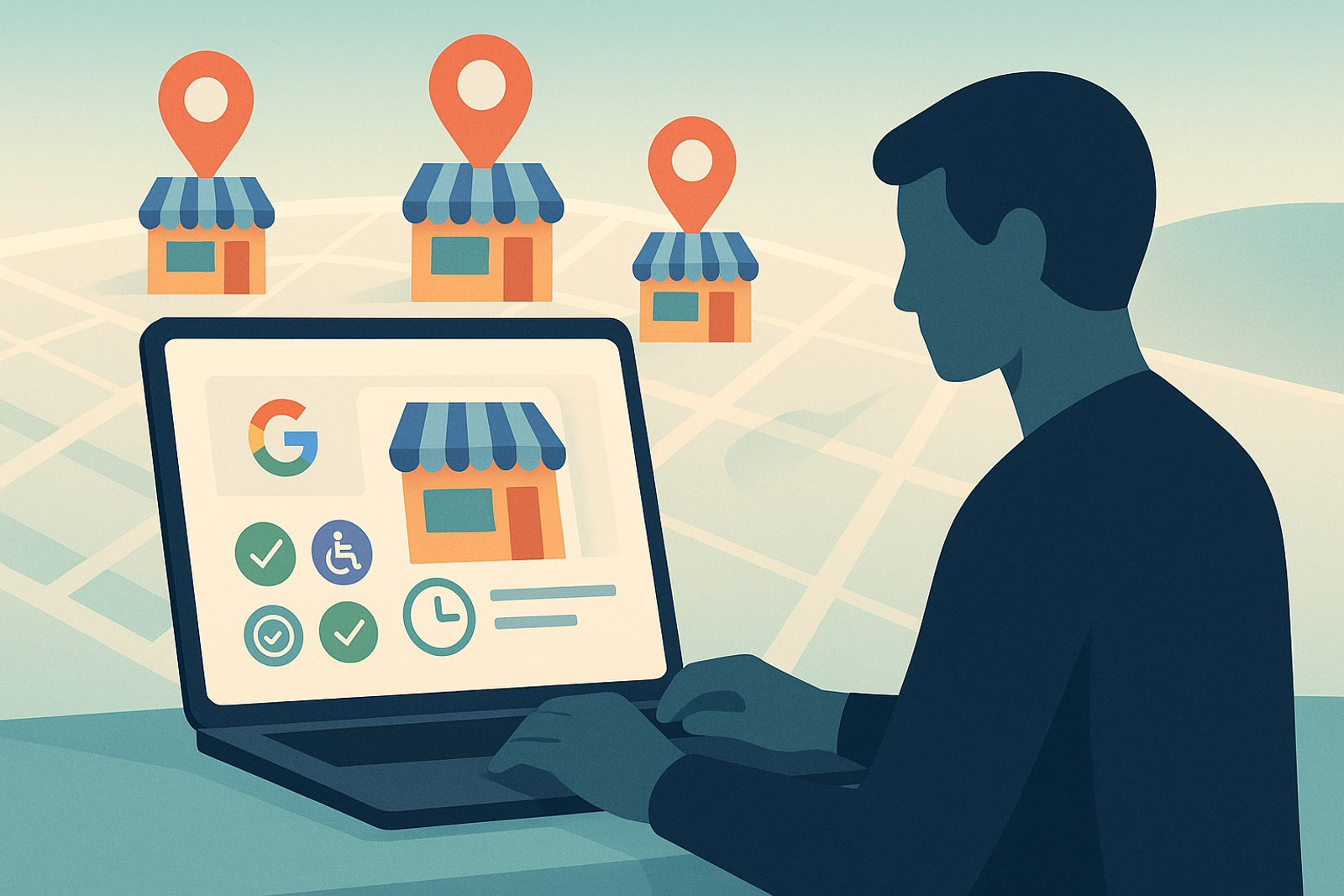
Retail chains typically operate the largest number of physical locations in any sector, making Google Business Profile a critical channel for driving store traffic, but also the most challenging to keep updated manually.
Attributes That Most Impact the Decision to Visit the Store
In retail, attributes such as "in-store pickup," "accepted payment methods," and "wheelchair accessible" directly influence whether a customer decides to visit the location. Keeping these updated across hundreds of stores requires bulk editing, not manual review.
Peak Season Hours: The Highest Operational Risk Point
Events like Black Friday, Christmas, and seasonal sales require updating extended hours across all stores simultaneously, and correctly reverting them afterward. A mistake here creates direct friction: customers arriving at a "closed" store according to Google when it is actually open, or vice versa.
Coordination Between Central Marketing and Store Management
The central team usually controls brand strategy and Google Posts campaigns, while the store manager has better information about local inventory and specific events. A role-based permission system allows both to contribute without stepping on each other's toes.
Best Practices for Managing Google Business Profile in Retail
1. **Centralize Information**: Use a management tool that allows you to update multiple profiles simultaneously.2. **Automate Updates**: Implement APIs to schedule changes in hours and attributes.3. **Train Staff**: Ensure that store managers understand the importance of keeping information updated.4. **Monitor and Respond**: Establish a process for reviewing reviews and responding to customer inquiries.5. **Evaluate Performance**: Use analytics tools to measure the impact of your updates on store traffic.
Frequently Asked Questions
How can I avoid errors when updating peak season hours across hundreds of stores?
By scheduling the change in advance via API, with defined start and end dates, instead of editing and remembering to manually revert in each store.
Is it worth having active Google Posts for each store in retail?
Yes, especially for local promotions or in-store events; Posts appear directly on the listing and are one of the most effective ways to communicate seasonal offers.
What should I do if a store receives many negative reviews?
It is crucial to respond to reviews professionally and constructively. Additionally, analyze the causes of complaints and work on solutions to improve the customer experience.
Conclusion
In retail, the difference between a functioning Google Business Profile operation and one that generates friction with the customer lies in the ability to update hundreds of listings promptly and accurately, something that only bulk editing via API makes possible.
To further enhance your Google Business Profile management, consider integrating customer feedback loops. This involves actively soliciting feedback from customers after their store visits. By understanding their experiences, you can identify areas for improvement and make necessary adjustments to your listings.
Additionally, utilizing local SEO strategies can significantly boost your visibility. Ensure that your store listings are optimized with relevant keywords, accurate descriptions, and high-quality images. This not only helps in attracting more customers but also improves your ranking on search results.
Consider creating a checklist for your store managers to follow when updating their Google Business Profiles. This checklist can include tasks such as verifying business hours, updating promotions, and responding to customer reviews. Having a structured approach can streamline the process and ensure consistency across all locations.
Finally, keep an eye on your competitors. Analyze how they manage their Google Business Profiles and learn from their successes and mistakes. This competitive analysis can provide valuable insights that you can apply to your own strategy.