

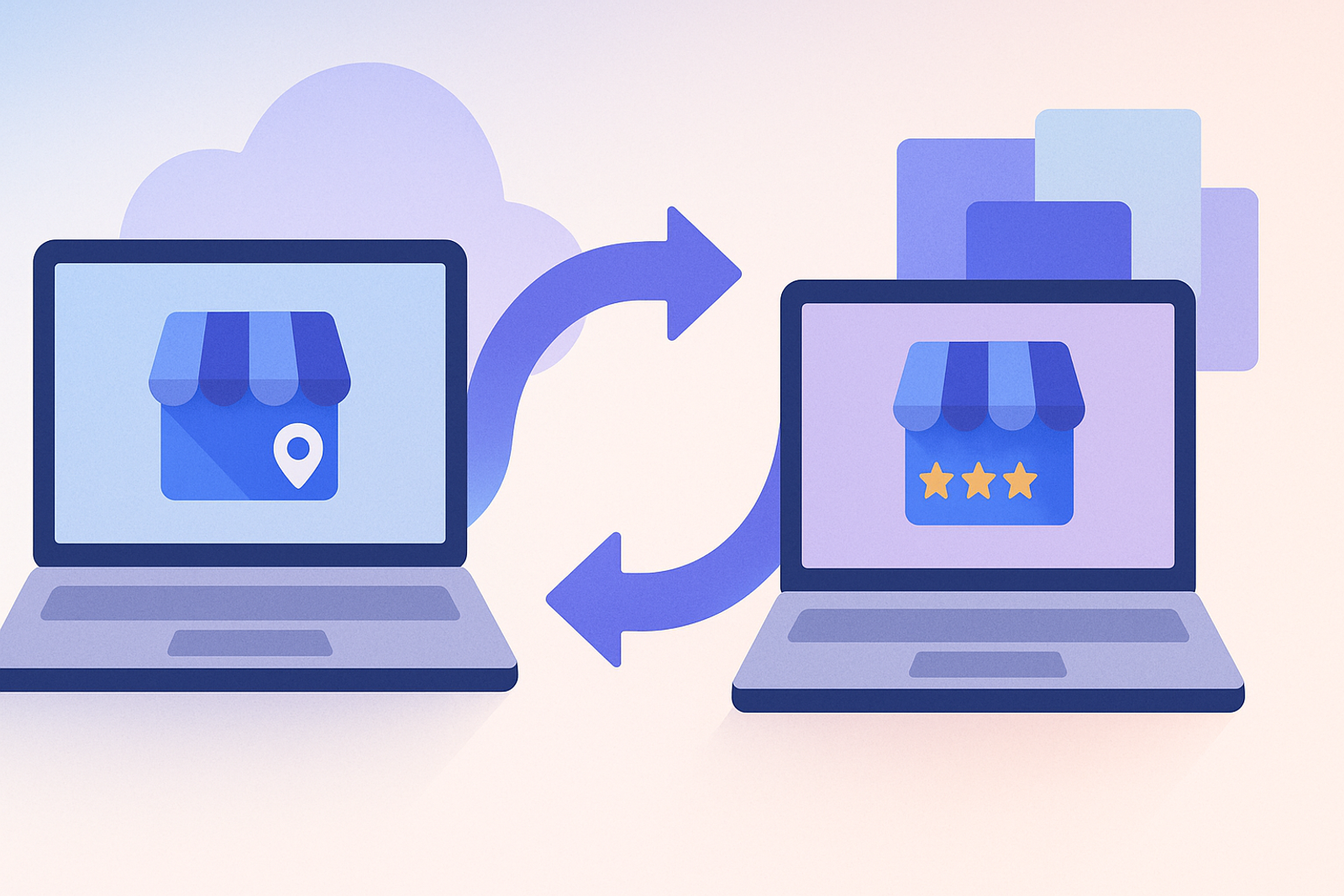
Google My Business API has been replaced by Business Profile API, featuring changes in endpoints, data structure, and authentication methods. Any integration built on the previous version needs to migrate to continue functioning.
What Changed Between the Two Versions?
The endpoints have changed in structure, some methods have been split into separate APIs (Account Management, Business Information, Notifications), and certain data fields have been renamed or restructured within the location objects.
Recommended Migration Plan
1. Inventory of Current Calls
Document each endpoint of the previous API that your system currently uses before touching any code.
2. One-to-One Mapping to New Endpoints
Each old call must be mapped to its equivalent in the new API, checking for changes in field names and response structures.
3. Gradual Migration with Testing Environment
Migrate read operations first (lower risk), validate the results against the previous system, and only then migrate write operations (editing listings, publishing posts).
4. Team Training
Ensure your team is familiar with the new API. Conduct training sessions and provide clear documentation on the changes.
5. Post-Migration Monitoring
After migration, it is essential to monitor the performance and functionality of the new API. Set up alerts to detect issues early.
Frequently Asked Questions
Will historical data be lost during migration?
No, the data resides in the Google Business Profile account, not in the API. The migration affects how your system connects to and reads that data, not the data itself.
Is there a deadline for migration?
Google has been gradually deprecating the old endpoints; any integration still using My Business API should prioritize migration, not treat it as an optional task.
What happens if I don’t migrate?
If you do not migrate, your integration will stop functioning, which can affect your business's visibility on Google and your ability to manage your information.
Conclusion
Migrating from Google My Business API to Business Profile API is technically straightforward if done in a planned and gradual manner, but risky if postponed until Google enforces the change.
Remember that a successful migration involves not only transferring data but also adapting your processes and ensuring your team is ready to effectively use the new API.
Additional Considerations for Migration
When planning your migration, consider creating a detailed checklist to ensure all aspects are covered. This checklist may include:
- Identifying all current integrations and their dependencies.
- Setting up a timeline for each phase of the migration.
- Testing each endpoint thoroughly before going live.
- Communicating with stakeholders about the changes and expected impacts.
- Gathering feedback from users post-migration to address any issues.
By following these steps and being proactive, you can ensure a smooth transition to the Business Profile API, maintaining your operational efficiency and data integrity.