

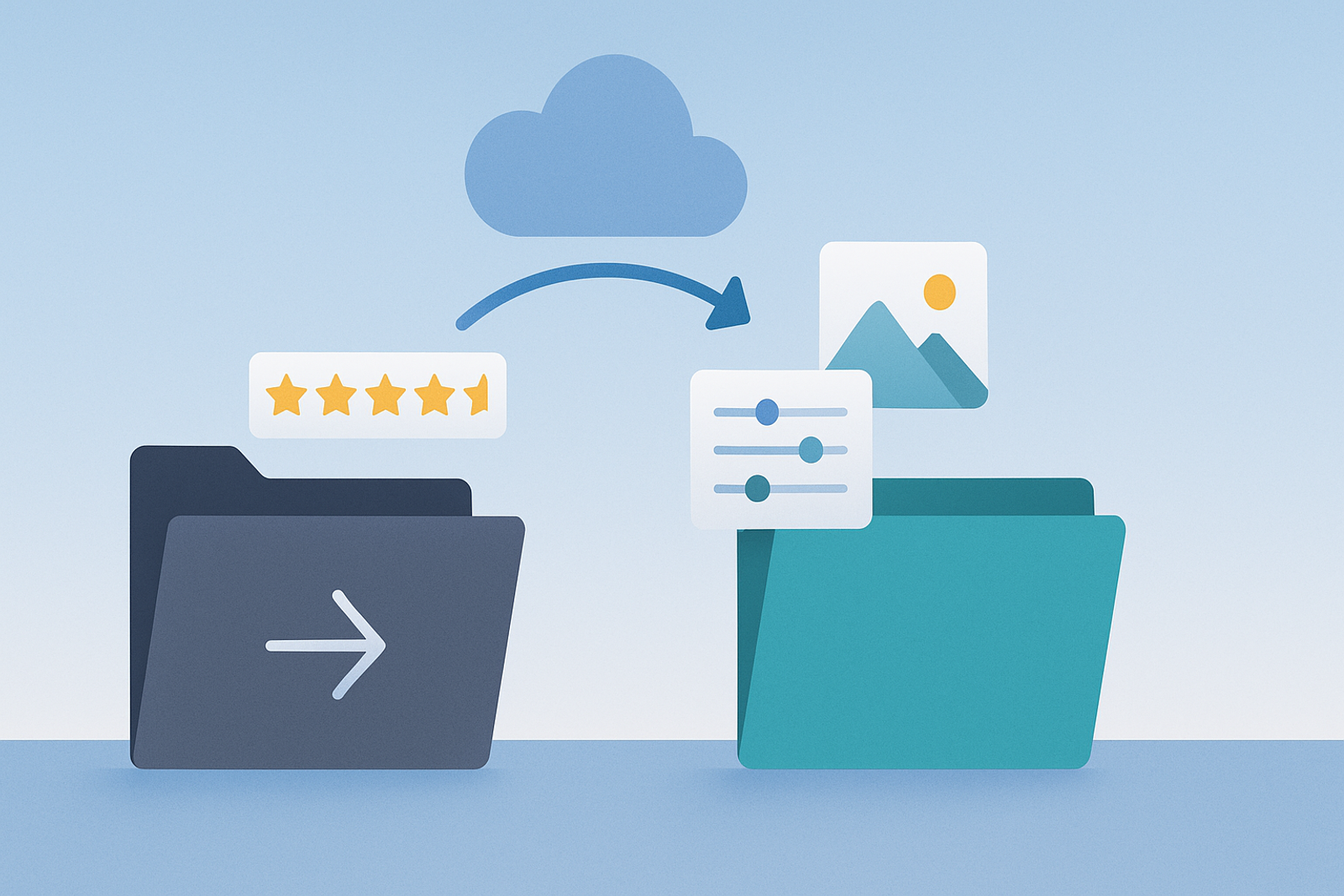
Migrating from one management platform to another raises a legitimate concern: will the history of reviews, photos, or accumulated settings be lost? The short answer is no, as long as the migration is done correctly.
Why Data Doesn’t Reside in the Management Platform
All the information related to your listing (reviews, photos, edit history) resides in your Google Business Profile account, not in Yext or Mapgrid. Both platforms serve as management layers that connect via API; neither "owns" the underlying data.
Steps for a Seamless Migration
1. Connect Mapgrid via OAuth to the same Google Business Profile accounts.
This step does not require disconnecting Yext first; both connections can coexist temporarily.
2. Verify that all locations appear correctly in Mapgrid.
Ensure that the data, permissions, and settings are accurately reflected before deactivating the previous connection.
3. Disconnect Yext once the migration has been validated.
Revoke access from the previous platform through the security settings of your Google account, without affecting the data already published in the listings.
Frequently Asked Questions
How long does it take to migrate 100 locations?
The API connection process usually takes hours, not days, although careful validation of each location should be done in advance before disconnecting the previous platform.
Will the visibility of the listings be interrupted during migration?
No. The listings remain visible on Google Maps and Search throughout the process; the migration only affects which system has editing permissions, not the public visibility of the information.
Conclusion
Migrating from Yext to Mapgrid does not result in data or history loss, because all that information resides in Google, not in the management platform. When done correctly, the process is transparent for the business and its customers.
Additional Considerations for a Successful Migration
Before starting the migration, it is advisable to back up all information. This includes taking screenshots of current settings and exporting data if possible.
Migration Checklist
✔️ Ensure you have access to both Google Business Profile accounts.✔️ Review the permission settings on both platforms.✔️ Conduct visibility tests on Google Maps after migration.✔️ Keep a record of any changes made during the process.
Common Use Cases
Businesses that typically migrate from Yext to Mapgrid include restaurant chains, retail stores, and local service companies seeking more efficient management of their locations.
These businesses value Mapgrid's ability to integrate data from multiple sources and facilitate real-time information updates.
Final Conclusion
Migrating from Yext to Mapgrid is a process that, when done carefully and following best practices, can be smooth and hassle-free. Be sure to follow each step and validate the information to ensure your business continues to operate without interruptions.