

"Near me" or implicitly local searches account for a significant portion of daily searches on Google, and optimizing specifically for them requires attention to details that go beyond simply filling out the profile once.
Accuracy of Location on the Map
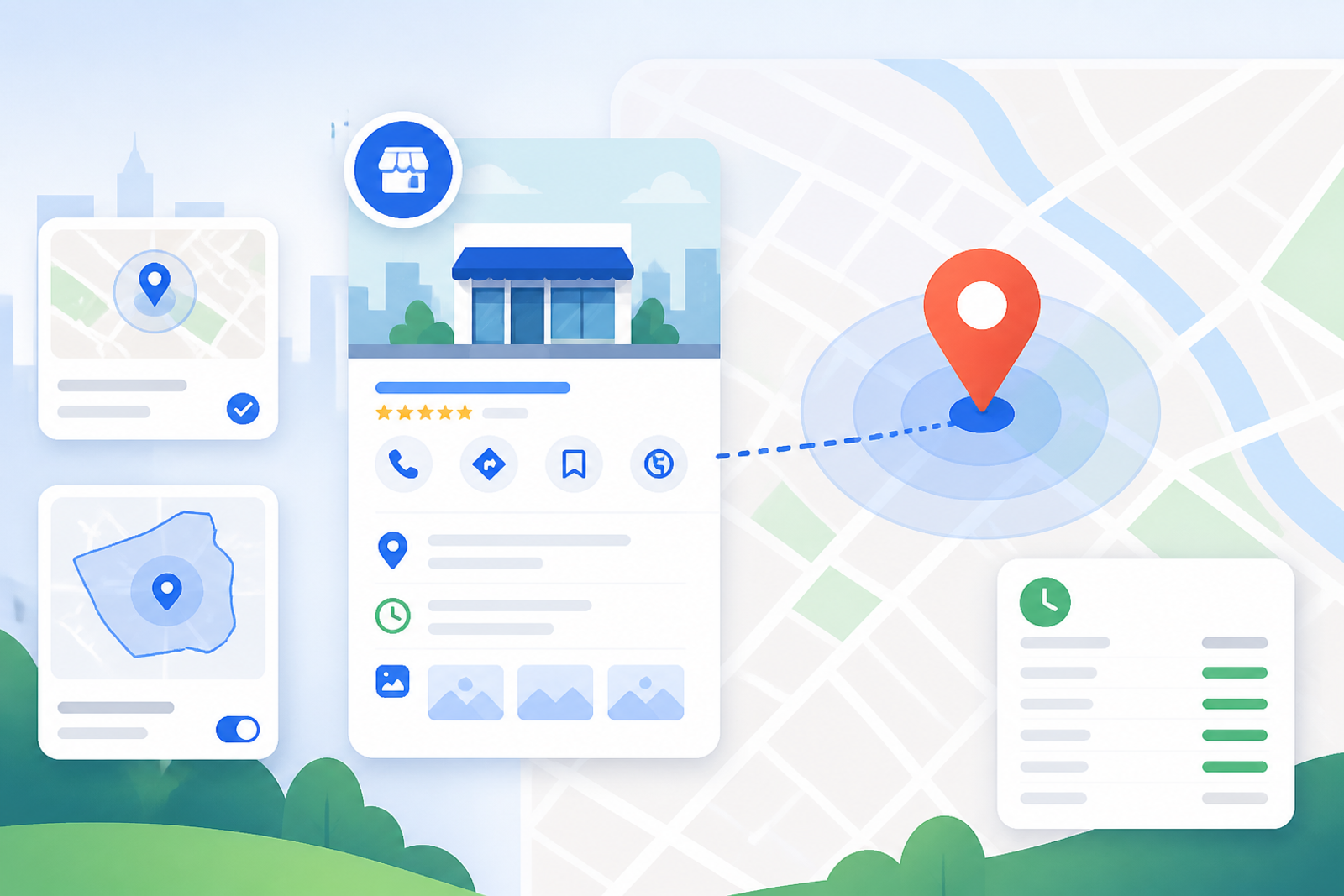
The exact marker on the map, not just the written address, determines how well Google can calculate the actual distance to the user searching. A poorly placed marker (common in shopping centers or plazas with multiple businesses) can negatively impact visibility in legitimate nearby searches.
Service Areas for Businesses without Visible Physical Locations
Businesses that provide home services (plumbers, technical services) must correctly set up their service areas instead of relying solely on their base address, in order to appear in "near me" searches in the areas where they actually operate.
Consistency with Mobile Behavior
Most "near me" searches occur on mobile devices with active geolocation; ensuring that the displayed hours are accurate in real-time (including unusual temporary closures) prevents a user from physically arriving at the business only to find it closed.
Improving Visibility on Google Business Profile
To optimize your Google Business Profile, consider the following aspects:
1. **Complete All Information**: Ensure that all fields are filled out, including description, category, and business attributes.
2. **Post Updates Regularly**: Share news, promotions, and events to keep your profile active and relevant.
3. **Incorporate High-Quality Images**: Attractive photos can increase click-through rates and help users decide to visit your business.
4. **Respond to Reviews**: Engaging with customers through reviews can enhance your reputation and attract more clients.
5. **Use Google Posts**: These posts allow you to share content directly on your profile, which can draw more attention.
Frequently Asked Questions
Can I directly influence how "close" Google shows me to a user?
No, the actual distance is an objective data point; what you can control is ensuring that Google has the exact and correct location information to calculate that distance accurately.
Do service areas replace the physical address?
No, they complement the information; businesses with a visitable physical location must maintain their exact address, while service areas expand where the listing can appear for home service searches.
Conclusion
Optimizing for "near me" searches requires precision in data that many businesses take for granted: exact location on the map, correct service areas, and real-time hours of operation. By following these best practices, you can significantly enhance your visibility and attract more potential customers.
### Additional Tips for Optimization
- **Monitor Your Insights**: Regularly check your Google Business Profile insights to understand how customers find your business and what actions they take.
- **Utilize Keywords**: Incorporate relevant keywords in your business description and posts to improve search visibility.
- **Engage with Your Community**: Participate in local events or sponsor community activities to increase your brand's visibility and reputation.
- **Encourage User-Generated Content**: Ask satisfied customers to share their experiences and photos on your profile.
- **Stay Updated with Google Changes**: Google frequently updates its algorithms and features; staying informed can help you adapt your strategy accordingly.
By implementing these additional strategies, you can further enhance your Google Business Profile, ensuring that your business stands out in local searches and attracts more customers.