

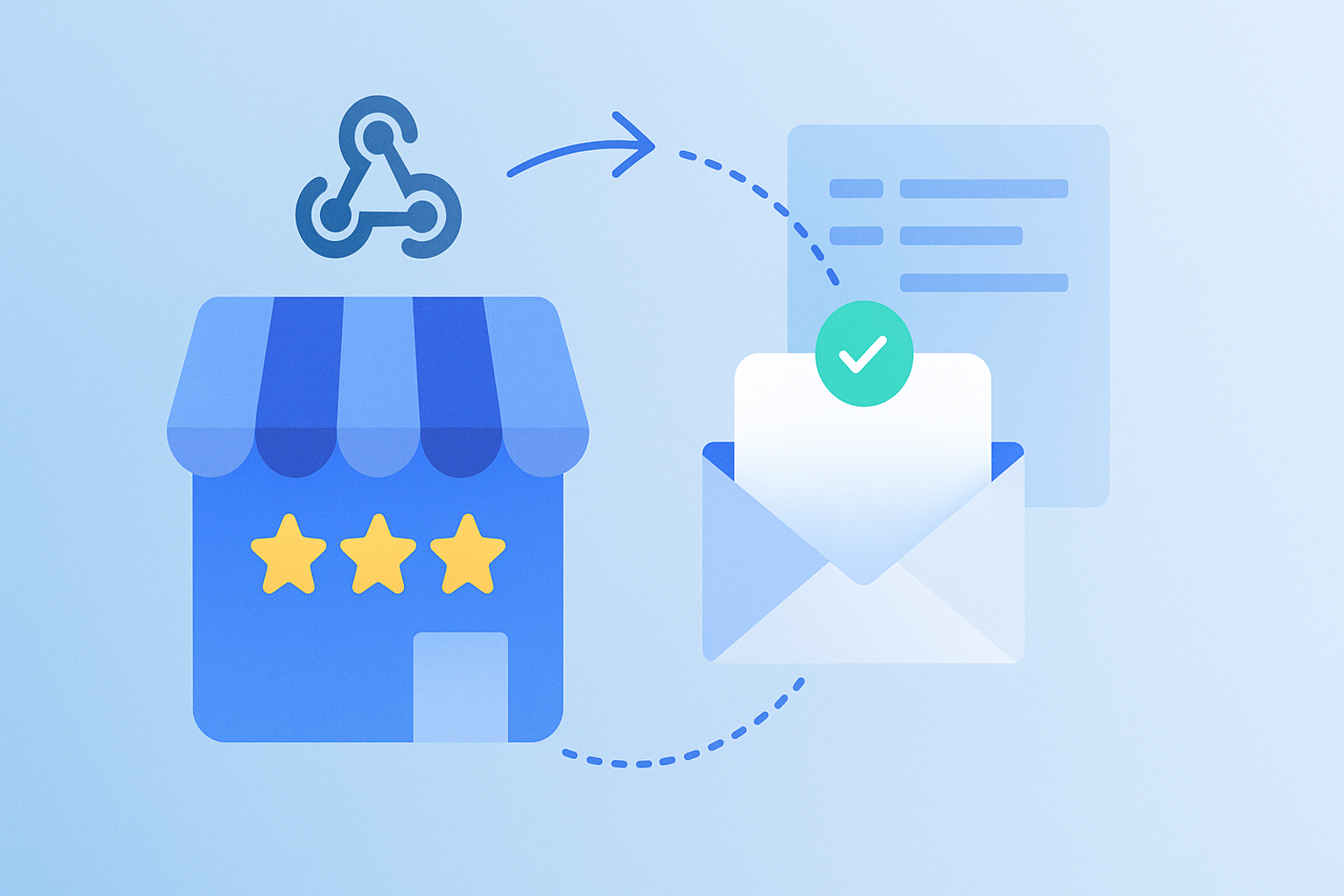
Polling the API periodically to check for new reviews wastes quota and adds latency. Webhooks, implemented via Google Cloud Pub/Sub, allow you to receive that information in real-time.
How the Google Notification System Works
Google does not send direct HTTP webhooks like other platforms; instead, it publishes events to a Google Cloud Pub/Sub topic that your system must subscribe to and consume.
What Events You Can Receive
New reviews, updates to existing reviews, changes in the verification status of a location, and updates on data disputes, among other relevant events to keep your system synchronized.
Recommended Design for Consuming These Events
A dedicated worker that consumes the Pub/Sub topic, processes each event idempotently (to handle possible duplicates), and triggers the corresponding actions: alerting a branch manager in the event of a negative review, for example.
Frequently Asked Questions
Is it mandatory to use Pub/Sub, or can I continue using polling?
Polling is still technically possible, but it unnecessarily consumes quota and adds latency; for cases where real-time matters (like alerts for negative reviews), Pub/Sub is the right choice.
Does Pub/Sub incur additional costs?
Yes, Google Cloud Pub/Sub charges based on the volume of messages processed, although for most local management integrations, the cost is marginal compared to operational savings.
Conclusion
Real-time synchronization via Pub/Sub transforms the Google Business Profile API into a reactive platform, not just a queryable one, enabling use cases such as instant review alerts.
### Advantages of Using Google Cloud Pub/Sub
1. **Reduced Latency:** By receiving notifications in real-time, you can react immediately to critical events.
2. **Scalability:** Pub/Sub can handle large volumes of messages, making it ideal for growing businesses.
3. **Cost Efficiency:** While there is a cost associated, the savings in API quota and the improvement in customer experience can justify the investment.
4. **Error Handling:** Pub/Sub allows for automatic retries in case of failures, enhancing the robustness of your system.
### Common Use Cases
- **Negative Review Alerts:** Notify managers immediately so they can respond quickly.
- **Information Updates:** Automatically synchronize changes in business hours or addresses.
- **Dispute Management:** Receive notifications about data disputes to act proactively.
- **Sentiment Analysis:** Integrate with analysis tools to assess customer perception in real-time.
### Best Practices for Implementing Pub/Sub
1. **Set Up an Appropriate Topic:** Ensure your topic is well-defined and structured for the types of events you will receive.
2. **Implement a Resilient Worker:** Your worker should be capable of handling errors and retries.
3. **Monitor Performance:** Use monitoring tools to ensure your system is functioning correctly.
4. **Document Your Process:** Maintain good documentation on how your integration works to facilitate future updates.
### Checklist for Implementing Pub/Sub
- [ ] Create a project in Google Cloud.
- [ ] Enable the Pub/Sub API.
- [ ] Configure the topic and subscriptions.
- [ ] Develop the worker to consume messages.
- [ ] Test the integration with sample events.
- [ ] Monitor and adjust as necessary.